 Fuli Vision
Five modules. One shop floor.
Fuli Vision follows produce through the store: from the receiving bay to the scale, the shelf, the markdown and the owner's evening report. Every module runs on the same in-store device and learns from the same confirmations.
Where the camera earns its place.
Produce is the only category a store handles by hand five times a day. Each handling point is a decision made by eye. Fuli Vision gives each one a second pair of eyes that never gets tired.
Crates arrive. Weigh-in against the invoice, grade on arrival, photo per line. Short or poor lines flagged before the driver leaves.
Module 04 · NextDisplay filled from the backroom. From here the shelf camera watches for empty slots.
Module 03 · NextEvery loose item is weighed. The camera names it, staff tap confirm, the label prints as before.
Module 01 · PrototypeAfternoon pass: what has moved from Grade A to B, and the markdown time that still sells it tonight.
Module 02 · In developmentReport to the owner's phone: sold, marked down, wasted, by item and supplier.
Module 05 · NextLoose produce, named by the camera.
A camera above the pan recognises the fruit or vegetable the moment it lands. The screen proposes the item and the two most likely alternatives. Staff tap once; the label prints from the existing scale.
- Loose on the pan or bagged in plastic
- Unsure items default to the normal manual flow
- Works alongside the label scale and POS already in the store
- Every confirmation and correction becomes training data
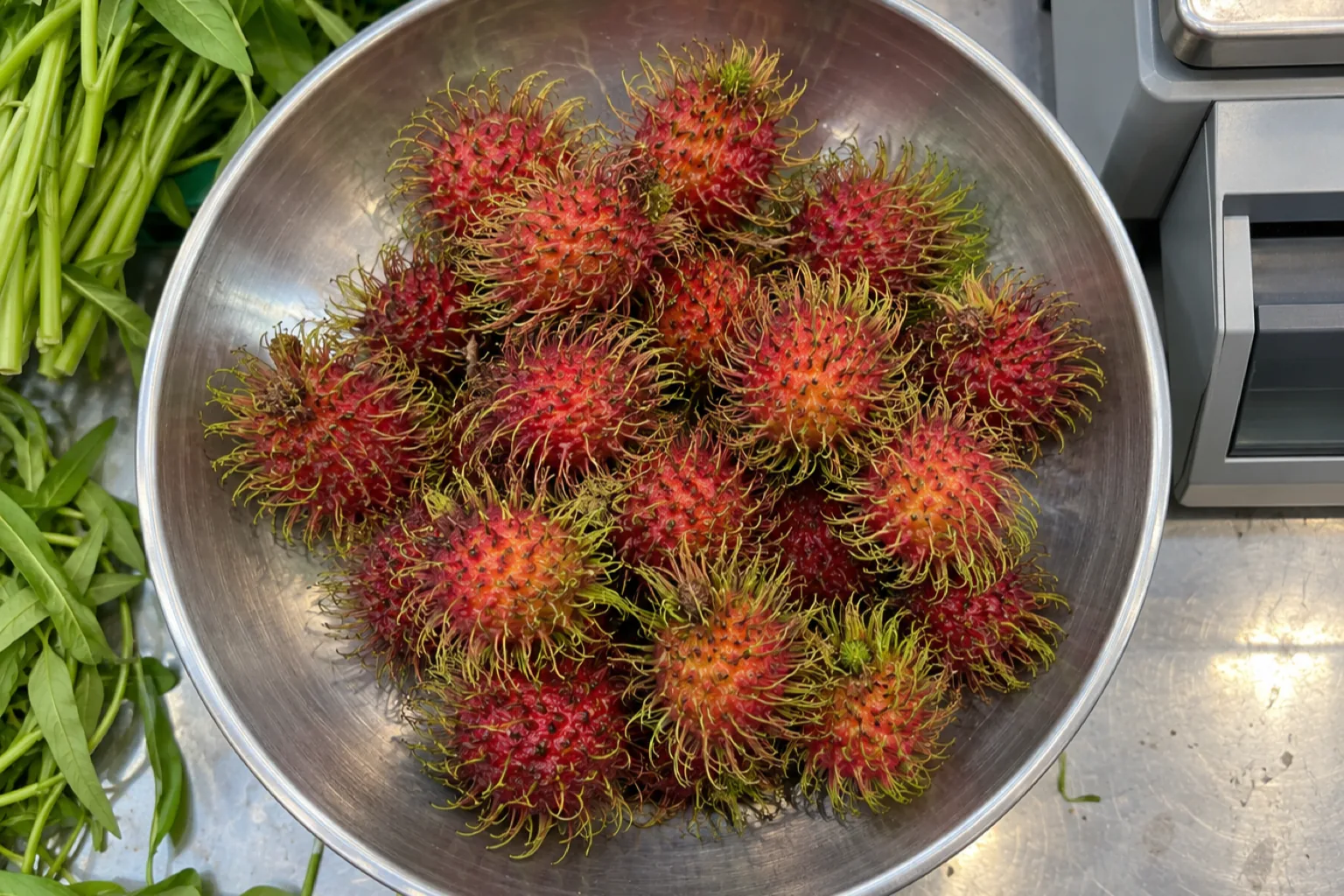
Illustrative screen on a generated illustration. Confidence values and grades are examples, not measured results.
Ripeness and freshness, with a time attached.
Each lot is graded when it arrives and again through the day, against a rubric written with the store's own buyers for each produce type. Instead of "looks tired", the floor gets a grade, a photo and a markdown time that still sells it tonight.
- Grade A / B / C per produce type, by the store's own standard
- Markdown suggestion with a time, not a percentage pulled from the air
- Evidence photos kept per lot for supplier conversations
- Waste logged automatically when a lot is written off
 06:40 · A
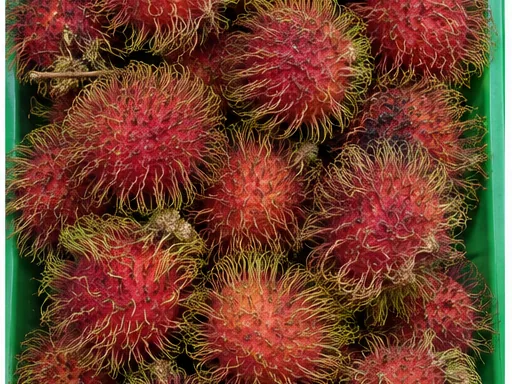 12:00 · A
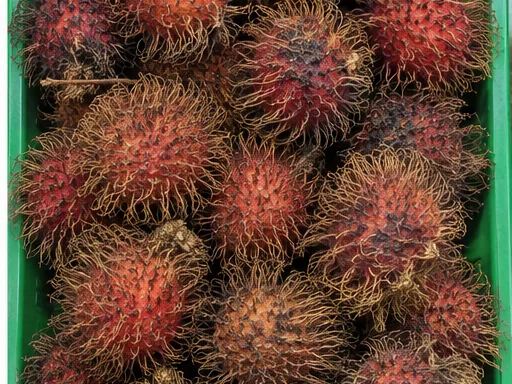 15:10 · B
Illustrative screen; photos are generated illustrations. Grades, times and weights are examples.
Empty slots, flagged as they happen.
A fixed camera over the display watches slots, not people. When a slot empties or runs low, the floor team's phone gets the slot, the item and how long it has been that way.
- Empty and near-empty slots by position
- Alert to the floor team, with time since empty
- End of day: which slots were empty longest
- No customer tracking; faces are not what the model looks for
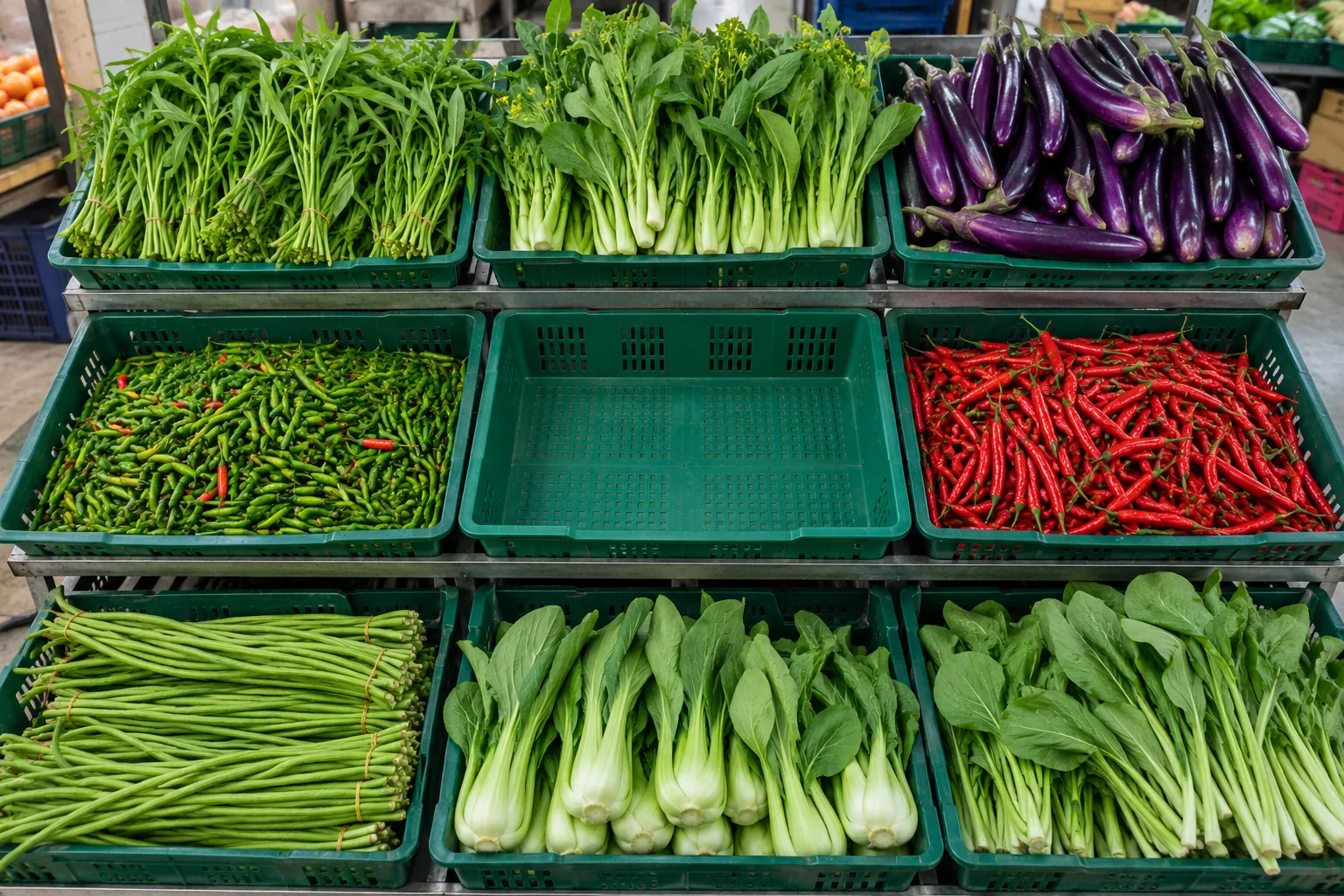
Illustrative screen; photo is a generated illustration.
Check every delivery before the driver leaves.
The morning delivery is where margin is won or lost, and where nobody has time. Each line is weighed in and photographed; the grade on arrival is recorded against the supplier. Short weight and poor lots are flagged while there is still someone to flag them to.
- Weigh-in against the invoice, line by line
- Grade on arrival, same rubric as the shelf
- Photo evidence per line, kept with the delivery
- Supplier scorecard: weight accuracy and grade over time
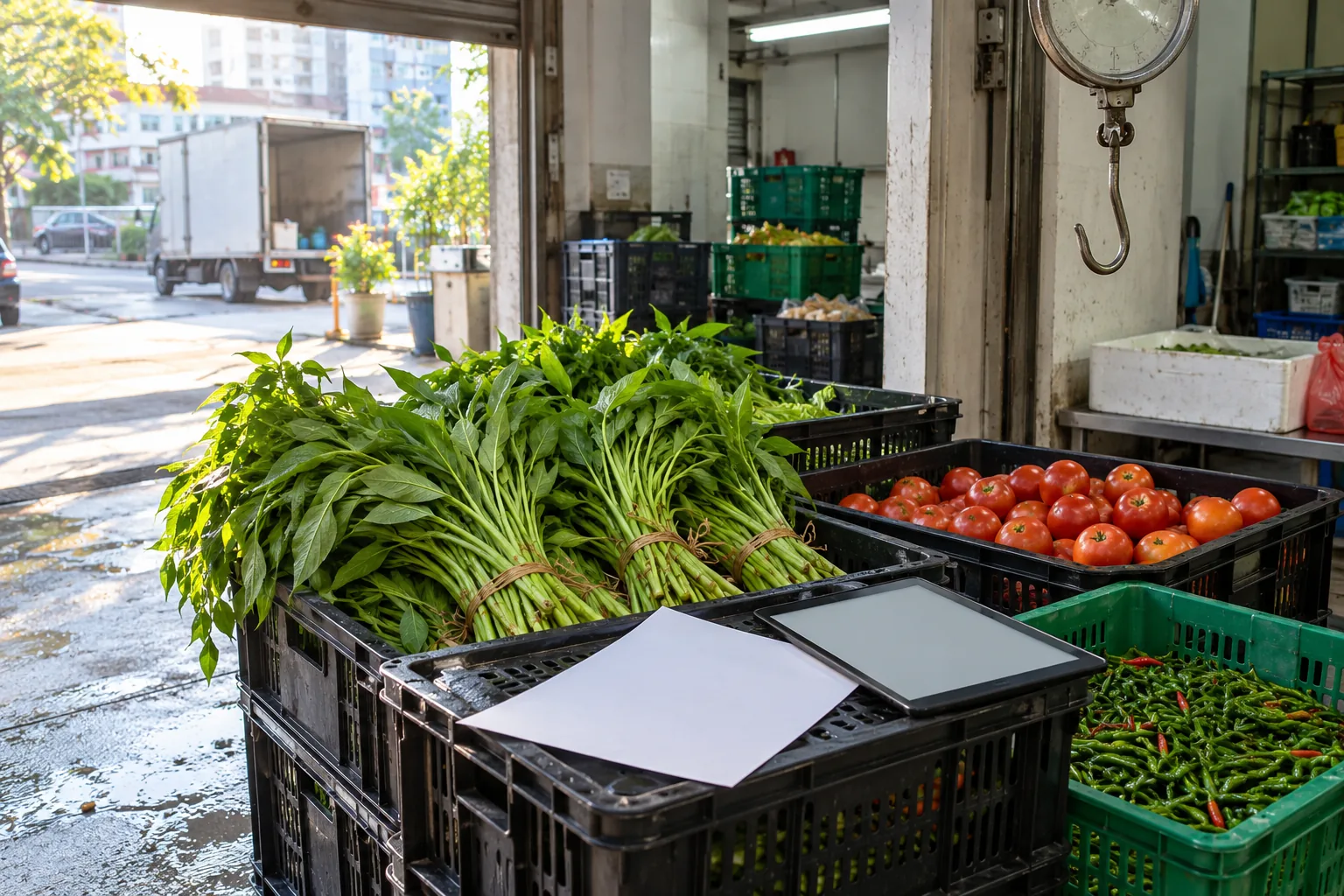
Illustrative screen; photo is a generated illustration. Suppliers, weights and grades are examples.
The owner's evening report.
Everything the other modules see adds up to one page a day: what sold at full price, what was marked down and whether it then sold, what was written off, and which supplier's lots keep arriving light or tired.
- One message a day to the owner's phone, by item and supplier
- Markdowns that worked and markdowns that did not
- Waste by item, week on week
- Order less of what keeps being thrown away
Illustrative numbers.
Built for the mixed-language counter.
Staff in a Kuala Lumpur fresh-food store speak Malay, Chinese and English on the same shift, and often none of them as a first language. The scale screen says one thing, in the language the person at the counter chose, and asks for one tap.
A camera over the scale. A box under the counter.
Nothing on the counter changes for the customer. The camera looks down at the pan; the device sits with the scale's power supply. Shelf cameras are optional and point at the display, not the aisle.
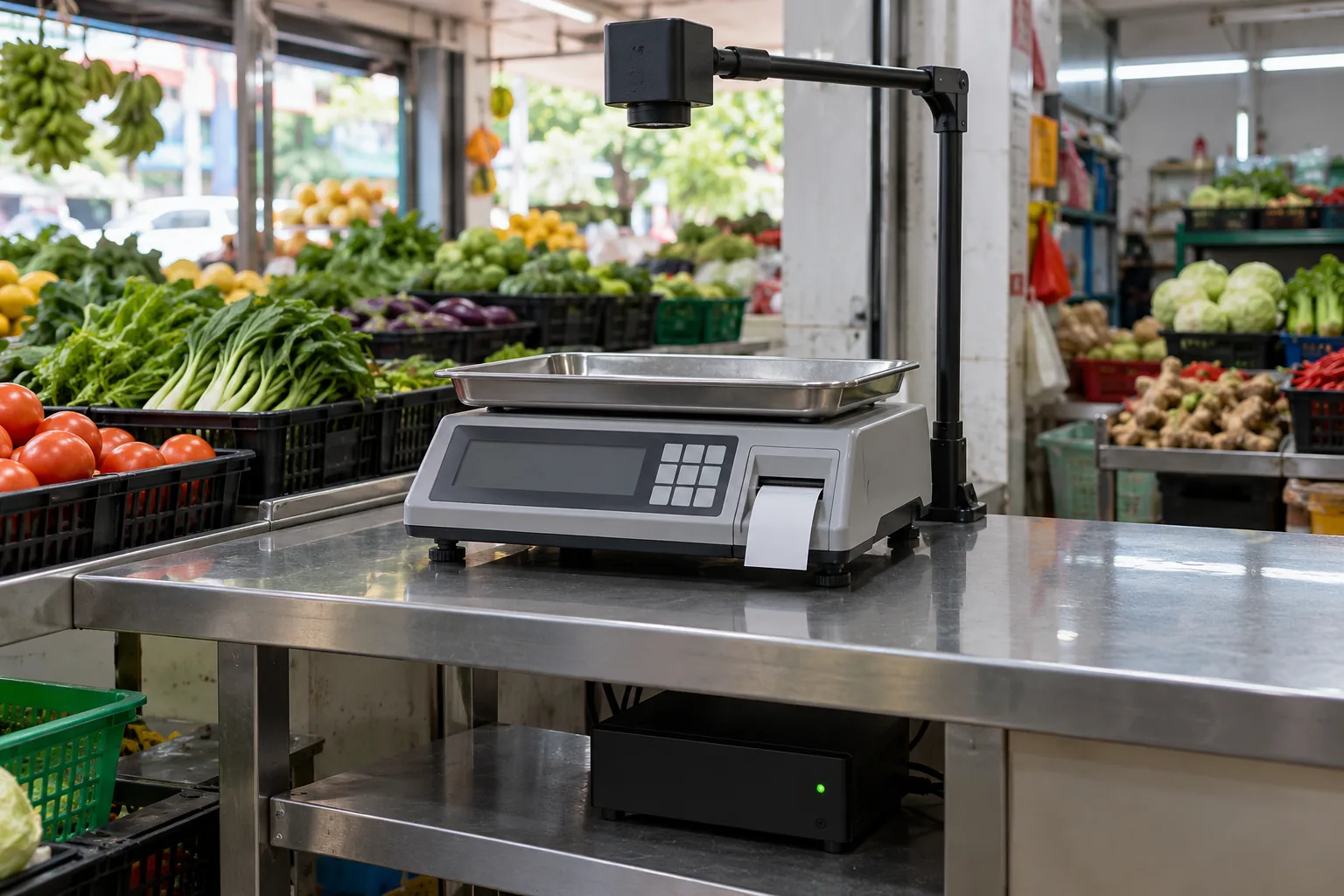
Generated illustration of the kit at a counter.
- Scale camera
- One fixed camera per scale, mounted on the scale's own pole or the counter. Looks at the pan only.
- Device
- One small box per store, designed around NVIDIA Jetson, mains powered, under the counter. Recognition runs on it, not in the cloud.
- Connection
- Wi-Fi or 4G for sync and reports. Keeps working when the connection drops.
- Scale and POS
- The existing label scale prints and the existing POS charges. Integrations are built per store, starting with the scales in the founder's two stores.
- Shelf cameras
- Optional. Fixed, pointed at the display from above, one per bay.
- Status
- Design in development. Models today run on an NVIDIA RTX 4090 at Universiti Malaya; the in-store device is the next step.
What exists today, honestly.
| Module | Status | Today | Next |
|---|---|---|---|
| 01 Scale | Prototype | Recognition models tested and running on an NVIDIA RTX 4090; public browser demo on common produce. | Store image capture in the founder's two stores; local varieties trained in with NVIDIA TAO Toolkit; first scale running on NVIDIA Jetson in Store 01. |
| 02 Grade | In development | Grading rubric per produce type being written with our buyers; images of lots through the day being collected. | Grade on arrival and afternoon pass in both stores; markdown time suggestions. |
| 03 Shelf | Next | Design. | One display in Store 01 with NVIDIA DeepStream. |
| 04 Receiving | Next | Design, built on the same grading rubric. | Morning deliveries in Store 01. |
| 05 Insights | Next | Design. | Daily report once Scale and Grade produce the data. |
See recognition run on your own photo.
The browser demo uses a general model on common produce. Local varieties from store images come next.